



Spinanzia Mobile Casino App
Using PWA technology to install our mobile software directly from the site guarantees automatic background updates. We maintain a high-speed gaming experience on Android, iOS and desktop hardware at all times. Our team built this solution to bypass the need for third-party stores and constant manual downloads. Members who choose the Spinanzia app stay connected to the lobby without technical interruptions.


Benefits and Features of the Spinanzia App
Opening our mobile software for the first time reveals a familiar layout that matches your smartphone screen. We adapted every element to support a seamless session without technical hurdles. Choosing our mobile software over a standard computer session results in several specific advantages for our members:
- Touch-optimized controls. Larger buttons and swipe gestures make navigating through the lobby natural on any phone.
- Receiving news about fresh bonuses and new tournaments happens through instant alerts sent directly to the screen.
- Tapping the home screen icon allows for an instant start without needing to open a browser and type a URL.
- Technical efficiency within our PWA results in lower battery drain and reduced data consumption during every session.
- After the sign in process, account details and reward progress stay connected to the profile when moving between different devices.
- Viewing previous round history or current balance remains possible even without an active internet connection.
Mobile App for iOS
Apple users can open the Spinanzia official site in Safari and add the iOS app directly to their home screen. Payouts and deposits are connected to the same cashier used on the main website with no additional charges. Maintaining this direct path to our lobby supports a more convenient mobile gambling experience for everyone using an iPhone or iPad.
Game loading times and navigation between sections are fast due to the high-performance and full-screen mode we maintain. This Spinanzia mobile app setup keeps your data protected during every transaction. We believe that this technical integration results in a much smoother session for our members. Every round on mobile slots features high-definition visuals and stable performance on any iOS device.
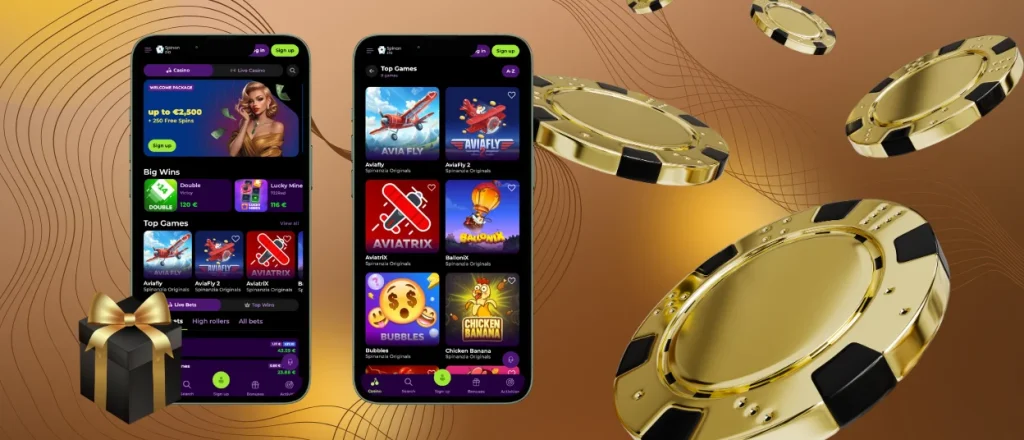
Spinanzia App for Android
Installing the Android app version creates a direct home screen shortcut to the mobile lobby without requiring a separate APK file. The progressive web app also requires less storage space than a traditional native application, while the setup remains simple for players. Although the software is optimized for stable performance, we recommend maintaining a reliable connection during live games, mobile betting, or mobile gambling sessions.
Android 8.0 or later remains our recommendation for smooth performance and access to the latest browser features. We provide the official Spinanzia app download link on our main page to keep the setup safe for everyone. Using this official source helps players avoid any files from third-party sites. The official installation process removes the need to search for or manage a separate APK file, so your Spinanzia APK concerns disappear.
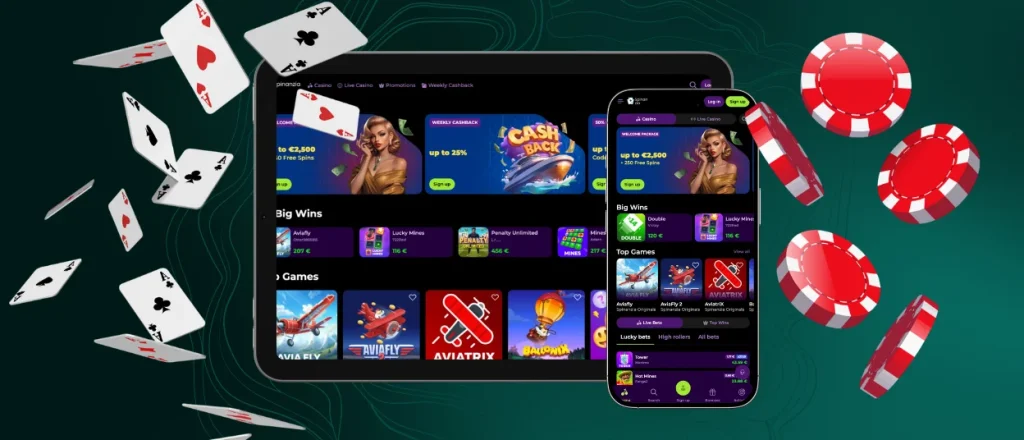
Play Spinanzia Casino on Mac or Windows
Opening the Spinanzia casino app directly from your desktop removes the requirement of using a browser during each round. Fast entry to the lobby happens through this standalone window, where reduced visual clutter supports a more focused session. Receiving push alerts regarding current rewards and bonuses removes any requirement to monitor an email inbox. Scrambling data with 256-bit AES technology results in a protected environment within the desktop version.
Guarding your payments and personal info happens through the technical layers active in this window. Using the native full-screen mode results in a much more immersive atmosphere than standard browser tabs. Members seeking a professional session often select this focused layout when using larger screens. Every profile detail is synced with the Spinanzia app to keep the overall gaming experience consistent.
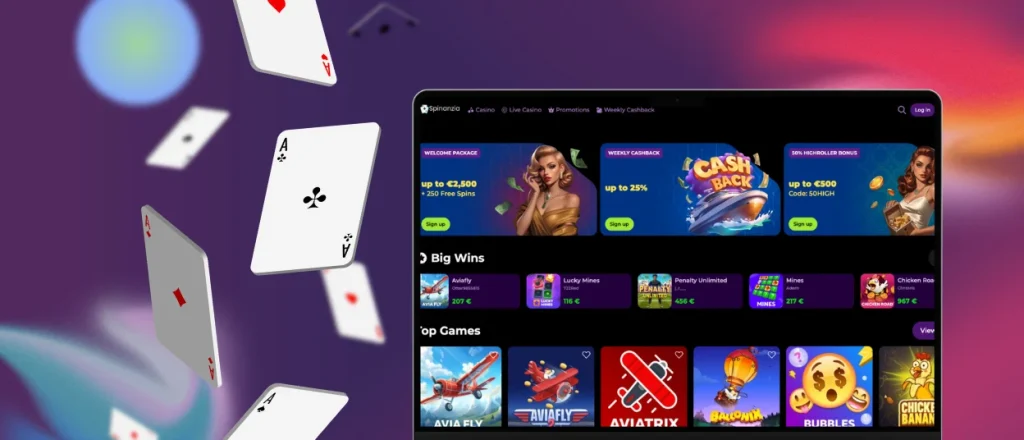
How to Install the Spinanzia App on Any Device
To complete the Spinanzia download app process, open the casino website on the device you want to use and follow the browser setup steps below:
| Device Type | Steps |
| Android | Launch the Spinanzia website in Chrome → Open the browser menu near the address bar → Choose “Add to Home Screen” → Save the casino icon. |
| iOS | Visit the Spinanzia website in Safari → Tap the “Share” icon → Find “Add to Home Screen” in the list → Add the shortcut. |
| Windows / Mac | Open the Spinanzia website on your computer → Press the install icon in the address bar → Confirm the desktop setup → Start the casino from the new icon. |
Completing this browser setup places the Spinanzia icon on your hardware for immediate access to the lobby.
FAQ
Can I log in to the Spinanzia app using biometric authentication?
Authentication in our mobile software happens through the same methods used in the web version. To make the sign-in process faster, we suggest using the autofill feature for the data stored on your device. Compatible devices may also use Face ID or Touch ID to authorize saved login credentials without manual typing.
Are My Deposits Secure When Using the Mobile App?
Every financial transaction within the Spinanzia app follows strict safety standards. Deposits use the same encrypted payment infrastructure and secure gateways as our main website. Payment details move through protected connections, and account monitoring helps detect suspicious activity.
How Can I Update the Spinanzia App?
Manually updating the software is unnecessary because technical improvements happen automatically. Our PWA technology handles every update in the background so you can focus on the games. This setup removes any need for visits to software stores or manual downloads.
Are Bonuses And Tournaments Accessible On Mobile?
Switching between the web version and our mobile software does not change your progress in tournaments or active rewards. Within your mobile profile, tracking rollover requirements or tournament rankings remains a direct process. Every reward and competitive event stays active across all your devices when you use the Spin Anzia app.


